

 More Products
 Compare







Restoring the watch to its factory settings
| Restoring the watch to its factory settings |
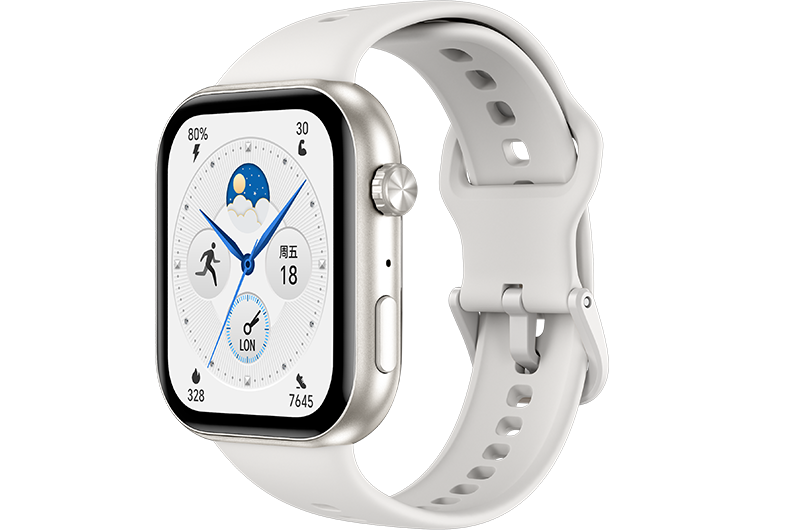
Method 1: From the home screen press the Up button, swipe until you find Settings, touch it, go to System > Reset, and then touch √ to confirm. As all the data on your watch will be removed when you restore the watch to its factory settings, please exercise caution before confirming.
Method 2: Open the Health app, touch Devices, touch the device name, and then touch Restore factory settings.

When you are pairing you watch with the phone for the first time or you are on the System screen under Settings, follow the onscreen instructions to restore the watch to its factory settings.
微信扫描二维码分享文章
Thank you for helping us grow better!
Your response has been submitted successfully!
- Hotline
- Live Chat
-
WhatsApp
9am – 9pm
English and Arabic Language - ae.support@hihonor.com
More Support

Hotline Support
Hotline:
80004444408

Email Support